
Shop / Business cards
A business card that never goes out of date
Tap the card on someone’s phone, or let them scan its code, and your page opens with your photo, your details, your links and a Save Contact button. They need no app.
See the Smart Business Card, $16.99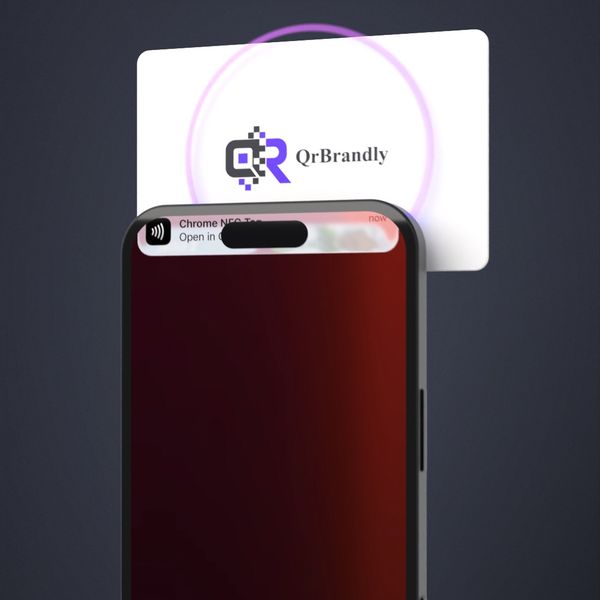
What it does
Your details change, the card does not
The card carries a code, not your details, so a new job, number or link shows at the next scan. Nothing is reprinted.
One tap saves you to their phone
Your page has a Save Contact button that adds you to their contacts, on iPhone and Android.
They can send their details back
Your page has a “Share your contact back” button. What they send arrives in your account under Leads, where you can reply to each person or export the list.
In your phone’s Wallet too
Add the card to Apple or Google Wallet and its code is a swipe away, even from the lock screen.
You pay once
The card, its page and every later change are yours for one price. There is no subscription.
Set up in about a minute
- Scan or tap the cardPoint your phone’s camera at the code on the card and tap the link that appears, or hold the card against your phone.
- Sign inContinue with Google, or type your email and we send you a code. Then confirm the card is yours with one tap.
- Check your detailsYour name and email are filled in from your account. Add a photo and a mobile number, and change anything that should read differently: people who scan the card see what is written here.
- Go liveTap Go live. Your title, company, links and a Wallet pass can be added whenever you like.
The whole guide: Set up your business card.
The cards
- Smart Business CardTap-to-share card with a page you update forever. Wallet passes included.$16.99
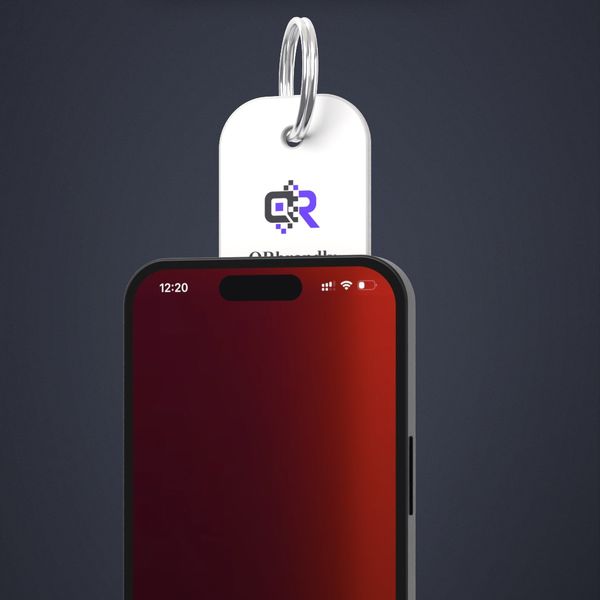 Card + Keychain BundleMatching smart card and keychain on one account — pocket and keyring covered.$26.99
US shipping is $4.99, free on orders over $49.
Questions
What do people see when they scan or tap my card?
Your photo, name and details, a Save Contact button that adds you to their phone, and your links. They need no app.
Can I change my details after the card is printed?
Yes, as often as you like. The card carries a code, not your details, so a new job, number or link shows at the next scan. Nothing is reprinted.
How do I add my card to Apple or Google Wallet?
Once the card is live, open it in your account and choose “Add it to your phone’s Wallet”. Your card’s code is then a swipe away, even from the lock screen.
Is there a subscription or any other fee?
No. You pay for the product once. Setting it up, your page, scan alerts, private messages and every later change are free for as long as you own it.