
Shop / Payment signs
Get paid from a sign, with no card reader
People scan the sign with their phone’s camera and pick the payment app they already use. The money goes straight to you. QRbrandly never holds it and charges no fee.
See the Pay.Follow.Connect Sign, $49.99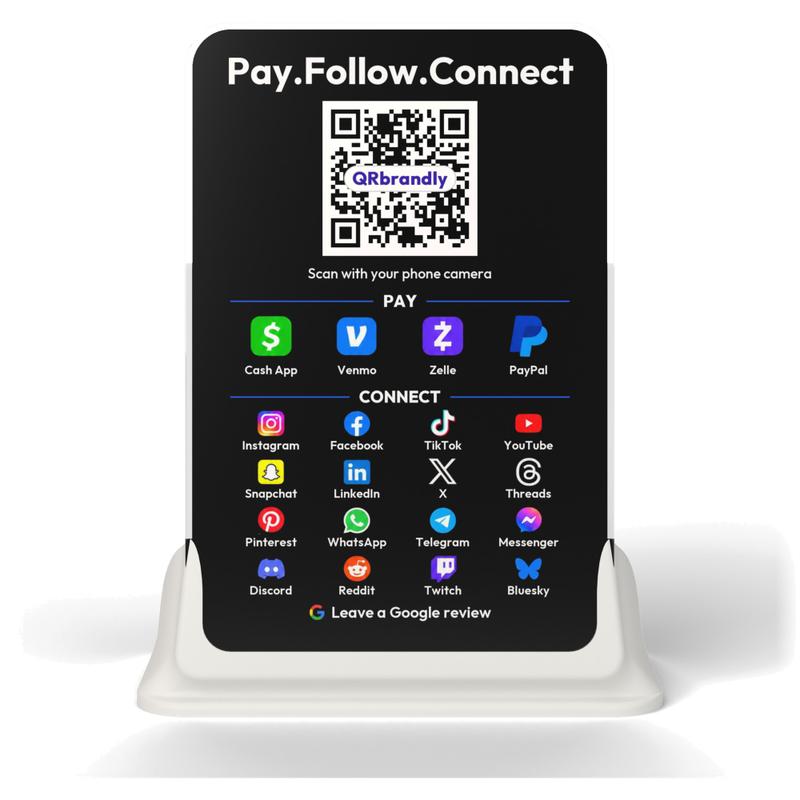
What it does
One button for each way to pay
Tick the payment apps you use on the setup screen and add your name on each. The signs are compatible with Cash App, Venmo, PayPal and Zelle, and you can add more than one.
Nothing to install for the person paying
They see the name on your sign, your logo if you added one, a short message and one button for each payment app. They need no QRbrandly app.
Tips and donations work the same way
Tip signs and donation signs are set up the same way, and the words on the page are yours to change.
Change it without reprinting
The code printed on the sign never changes. Sign in and change your payment details as often as you like.
Set up in about a minute
- Scan the signPoint your phone’s camera at the code on the sign and tap the link that appears.
- Sign inContinue with Google, or type your email and we send you a code. Then confirm the sign is yours with one tap.
- Add a way to payType the name that goes on the page and, if you like, add your logo or a photo. Then tick the payment apps you use and add your name on each. One is enough to go live.
- Go liveTap Go live. Customers who scan the sign pick an app and pay you directly.
The whole guide: Set up your payment sign.
The signs
- Pay.
Follow. Scan to pay, follow and review: one countertop sign for your payment apps, your social profiles and your Google reviews.$49.99Connect Sign 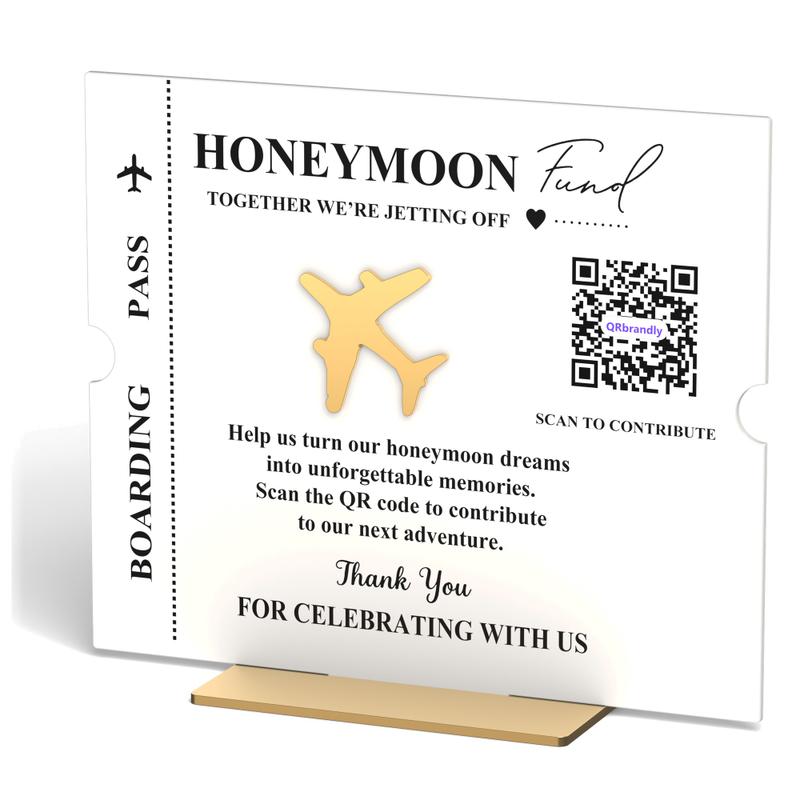 Honeymoon Fund SignGuests scan the boarding-pass sign and give to your honeymoon in the payment app they already use.$39.99
US shipping is $4.99, free on orders over $49.
Questions
Which payment apps can I use?
Tick them in the grid on the setup screen: Cash App, Venmo, PayPal and Zelle among them. You can add more than one.
Does QRbrandly take a share?
No. The buttons open your own payment apps and the money goes straight to you. QRbrandly never holds it and charges no fee.
Can I use it for tips or donations?
Yes. Tip signs and donation signs are set up the same way, and the words on the page are yours to change.
Can I ask for reviews on it too?
Yes. Add your review link as one of the buttons.
Cash App, Venmo, PayPal and Zelle are trademarks of their owners. QRbrandly is not affiliated with them.